
Paper, Digital, or Hybrid: Choosing a Home Filing System That Actually Sticks
From tax documents to warranties, choosing the right filing approach depends on your habits. A clear breakdown of each method's trade-offs.
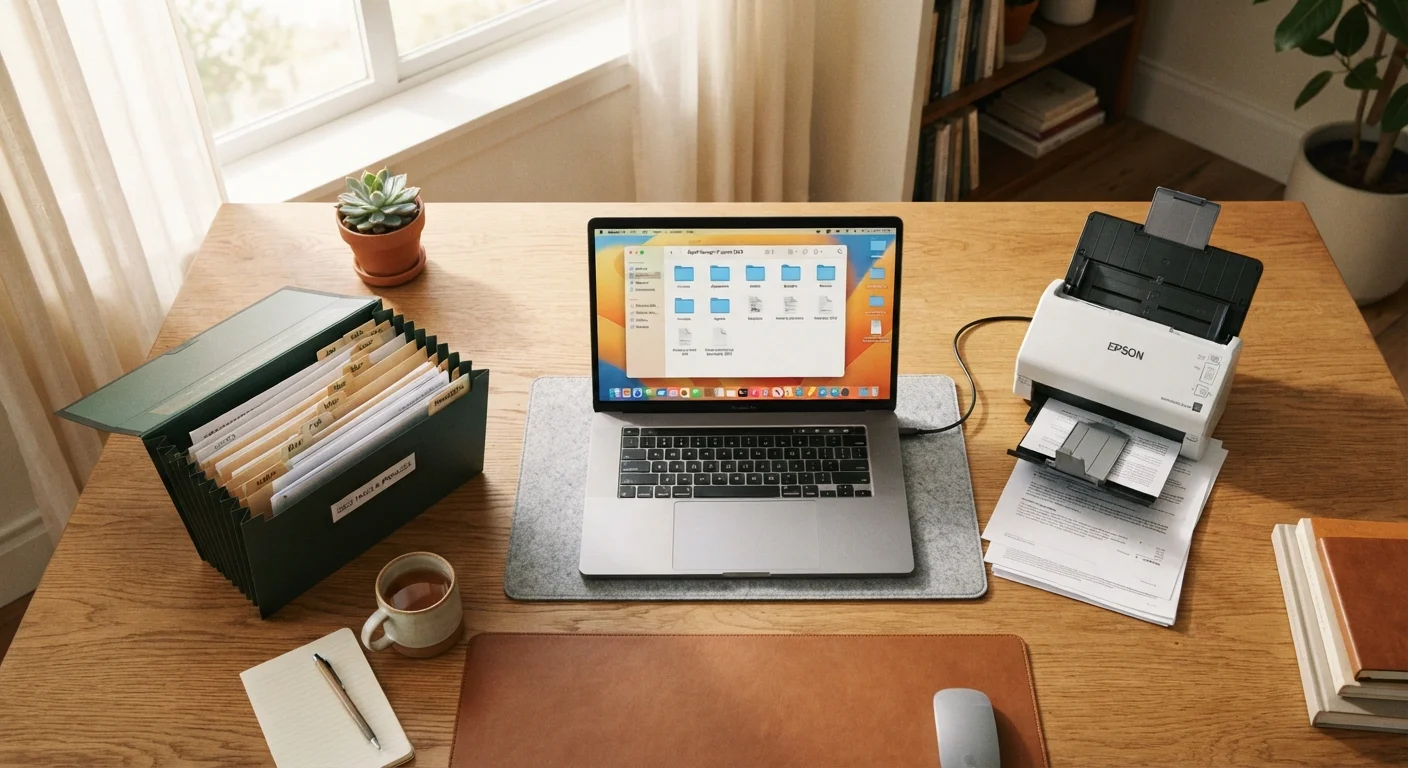
Photo: FaqsDrive.com | Smart Way To Search editorial
—— In This Article
Key Takeaways
- Paper filing requires no technology and preserves legally original documents, but takes physical space and is vulnerable to damage.
- Digital filing enables fast keyword search and automatic backups, but requires consistent naming conventions and a reliable backup routine.
- A hybrid approach keeps legally required originals in physical form while digitizing everyday reference materials.
- The best filing system is the simplest one you will actually maintain consistently week to week.
- Shared households benefit from agreeing on a single method upfront to prevent misfiles and duplicate documents.
Why Your Filing System Matters
Managing documents at home — from tax returns to appliance warranties — is something most households put off until a problem forces the issue. A misplaced insurance policy or an expired warranty can cost real time and stress to resolve. You don't need a perfect system, just one that matches how you actually behave day to day. Whether you're naturally drawn to physical folders or prefer keeping everything on a screen, the three main approaches — paper, digital, and hybrid — each offer genuine advantages.
Paper Filing: Tangible and Reliable
Paper works well for people who prefer hands-on sorting and don't want to depend on technology. A labeled accordion folder or a two-drawer file cabinet can organize years of records with nothing more than a set of tabs. Paper documents are also legally original — a distinction that matters for notarized agreements, signed contracts, and certain government correspondence.
The drawbacks are equally concrete. Paper occupies physical space, can be damaged by water, fire, or flooding, and requires manual searching when you need a specific document. In households that share filing duties, misfiles and duplicates pile up quickly without a clear system that everyone follows.
Digital Filing: Searchable and Space-Saving
A digital system — whether a cloud storage folder, a scanning app, or dedicated software — lets you retrieve any document by keyword in seconds. Scanned copies of receipts, manuals, and statements consume no shelf space and can be backed up automatically across multiple locations.
The central risk is over-reliance on a single service or device. A forgotten password, a lapsed subscription, or an undetected hard drive failure can make years of records inaccessible. Digital filing works best when you commit to consistent folder naming, schedule regular backups, and take time upfront to scan existing paper. For thinking through where physical materials will live in your home workspace, comparing shelving and storage options is a useful companion read.
| Paper | Digital | Hybrid | |
|---|---|---|---|
| Physical space required | Significant — folders and cabinets | Minimal — cloud-based | Limited to original documents only |
| Setup effort | Low — labels and folders | Moderate — scanning and naming | Moderate — two parallel systems |
| Retrieval speed | Manual, slower | Fast — keyword searchable | Depends on document type |
| Risk of loss | Fire, flood, or water damage | Password loss or service lapse | Reduced — physical and digital redundancy |
| Best document types | Legal originals, signed contracts | Manuals, receipts, statements | Mix of both categories |
| Technology required | None | Scanner and cloud account | Basic scanner or phone camera app |
The Hybrid Approach: Best of Both
A hybrid system reserves physical storage for documents that must remain in original form — wills, property deeds, passports, and signed legal agreements — while handling everyday reference materials digitally. This approach limits physical accumulation without sacrificing the originals that matter most.
A simple way to start: keep one physical folder for active documents you're currently working with, and scan anything older than 30 days into a clearly labeled cloud folder. The same logic that guides this kind of decision shows up in personal finance — tracking spending by hand versus using an app explores the same paper-or-digital tension in a budgeting context.
Choosing What Fits Your Household
Before committing to a method, consider a few honest questions: Do you prefer sorting physical materials or navigating folder trees on a screen? How urgently do you typically need to retrieve documents? Does your household include others who also need access to shared files?
For households with multiple people, organizing around different habits addresses how to build systems that hold when people have varying preferences. If travel documents are part of what you're managing, keeping travel documents organized shows how these same principles extend to itineraries and booking confirmations.
Whatever method you choose, consistency matters more than complexity. A simple folder system you maintain weekly will outperform an elaborate setup you abandon after a month.
Start With a Quick Document Audit
Before choosing a system, spend about 20 minutes sorting your current documents into three piles: keep as a physical original, scan and store digitally, or shred. This exercise often reveals which approach fits your actual volume and document types — and helps you avoid building a system around documents you no longer need to keep.

Home & Garden Editorial Team
Home & Garden Editorial Team is the collective byline for our editorial team and contributor network. Articles published under this byline or an editorial pen name are researched, written, and reviewed according to our editorial standards for clarity, consistency, and independence before publication.
View author profile