
Trusting Your Gut Isn't Enough: Verifying an Unfamiliar Online Store
Learn concrete steps to research a store you've never heard of — domain age, contact details, reviews, and more — before entering payment info.
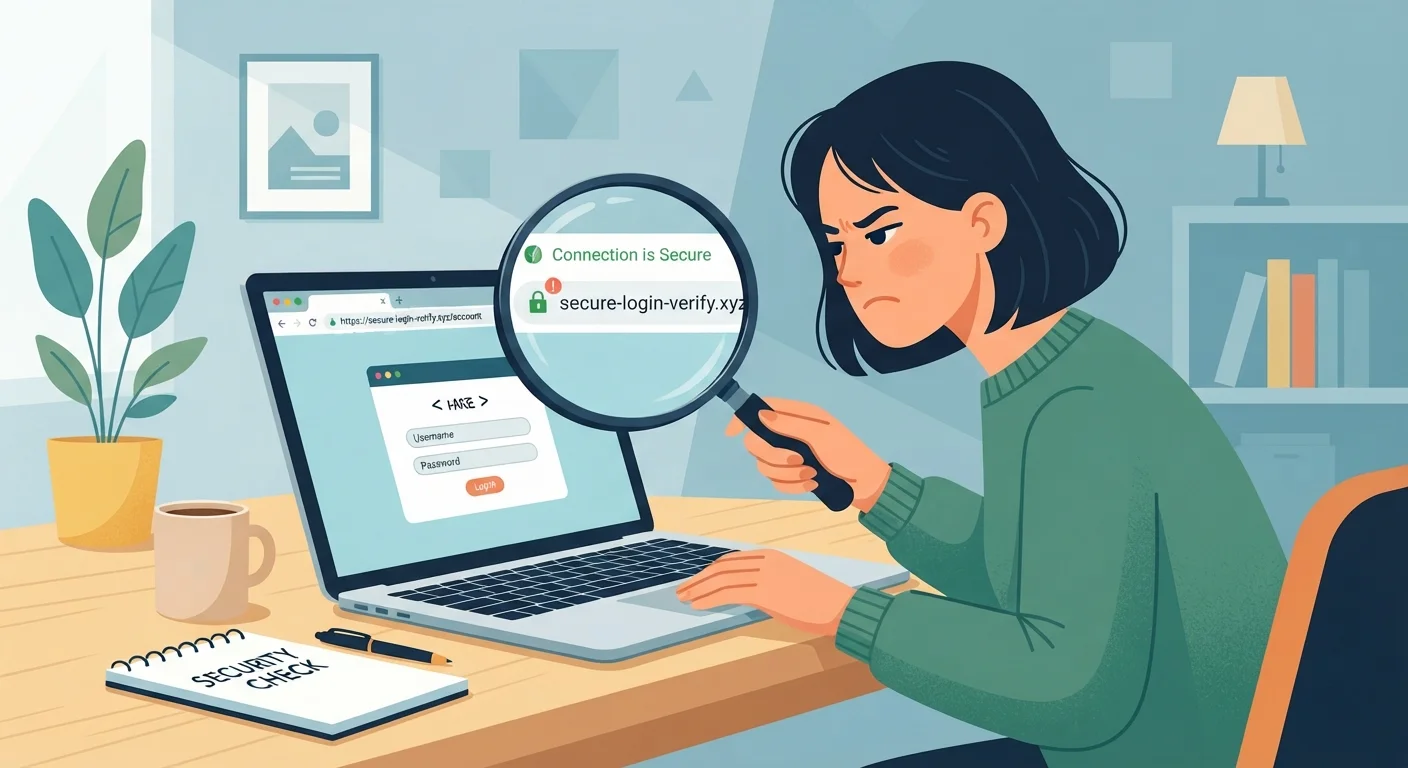
Photo: FaqsDrive.com | Smart Way To Search editorial
—— In This Article
Key Takeaways
- Domain age under one year is a common red flag for fraudulent online stores.
- Legitimate stores publish verifiable contact details — phone, email, and a physical address.
- Independent review platforms reveal patterns of fraud that a store's own page will never show.
- Unusual payment methods — wire transfers, gift cards — signal a high risk of non-delivery.
- A few minutes of verification before checkout is the single most effective scam prevention habit.
Why Gut Feelings Fail Online Shoppers
A well-designed website can look indistinguishable from a trustworthy retailer. Scammers invest in professional templates, stolen brand logos, and polished product photos specifically because visual credibility lowers your guard. Research on consumer behavior consistently shows that people conflate design quality with legitimacy — an instinct that was reasonable in the physical world but gets exploited routinely online.
That's why verification has to be deliberate and methodical. The good news: it doesn't take long. The steps below take most people 10–20 minutes, and they cover the signals that fraudulent stores almost always fail to pass. For a broader look at the habits that make shoppers vulnerable, see common assumptions that leave shoppers open to fraud.
What you will need
How to Verify an Unfamiliar Online Store
Work through these steps in order. If a store fails two or more, treat that as a strong reason to walk away — not a reason to keep digging for reassurance.
Check the Domain Age with a WHOIS Lookup
Go to a free WHOIS lookup service (search "WHOIS lookup" in your browser) and enter the store's domain name. Look for the registration date. A domain created within the past 6–12 months selling high-demand goods at steep discounts is a classic profile for a scam storefront. Established retailers typically have domains registered years — sometimes decades — ago.
Verify Contact Information Is Real
Navigate to the store's Contact Us or About page. A trustworthy retailer will list at minimum an email address and a physical mailing address. Copy the address and paste it into a mapping service to confirm it corresponds to a real, plausible business location — not a vacant lot or a residential house. Call the phone number if one is listed and note whether it connects to a real person or an active voicemail.
Search for Independent Reviews
Don't rely on testimonials displayed on the store's own website — those can be fabricated. Instead, search the store name followed by words like "reviews," "complaints," or "scam" in your browser. Check independent consumer review platforms and the Better Business Bureau's complaint database at bbb.org. Look for patterns: repeated complaints about non-delivery, no refunds issued, or customer service going silent after payment are serious indicators of fraud.
Read the Return, Refund, and Shipping Policies
Locate the store's policy pages — Return Policy, Refund Policy, and Shipping Information. Read them carefully. Fraudulent stores often publish policies that sound reasonable but contain clauses that make returns effectively impossible: very short return windows, buyer-pays-return-shipping to international addresses, or "all sales final" buried in small print. Legitimate retailers write policies that are specific, fair, and easy to find. For more on policy red flags, the checklist for spotting suspicious sellers covers this in depth.
Confirm the Site Uses Secure, Standard Payment Options
Before entering any payment details, verify the checkout page URL begins with https:// and that your browser shows a padlock icon. Then look at what payment methods are accepted. Reputable stores accept major credit cards or established digital wallets. Be highly skeptical of any store that insists on payment via wire transfer, cryptocurrency, Zelle, Venmo, or gift card codes — these methods offer little to no buyer protection and are heavily favored by scammers because payments are nearly impossible to reverse.
Pressure Tactics Are a Deliberate Strategy
Countdown timers, "only 2 left" notices, and flash-sale urgency are specifically designed to rush you past the verification stage. Fraudulent stores use these tactics because a hurried shopper skips due diligence. If a deal feels urgent, treat that pressure as a reason to slow down — not speed up. Legitimate retailers don't require you to abandon your judgment to get a fair price.
What to Do After You Verify
Even a store that passes every check above deserves one more layer of protection at checkout: how you pay. Credit cards offer federally backed dispute rights under the Fair Credit Billing Act that debit cards and wire transfers do not. Digital wallets add another buffer between your card number and the merchant. For a full comparison of your options, see why your payment method matters more than you think.
If the store checks out and you're evaluating the actual product being sold, this guide to evaluating products you can't touch walks you through reading specs, images, and descriptions critically. You can also run the full purchase through the beginner product evaluation checklist before committing.
Bookmark a Verification Routine
Save the WHOIS lookup tool and the BBB complaint search as bookmarks so the friction of verifying is as low as possible. The easier your verification routine is to access, the more consistently you'll actually use it. Treating these checks as a standard step — like reading a nutrition label — builds a habit that compounds over time into significant scam avoidance.

Smart Shopping Editorial Team
Smart Shopping Editorial Team is the collective byline for our editorial team and contributor network. Articles published under this byline or an editorial pen name are researched, written, and reviewed according to our editorial standards for clarity, consistency, and independence before publication.
View author profile